Reframe one approved subject
Use a product, object, interior, or portrait image as the reference. The model uses its subject, styling, and scene cues to make the new view feel connected to the original.
AI photo perspective changer
Upload a photo, choose low angle, top-down, side view, or wide shot, and explore a new perspective without reshooting.
Explore a composition before a reshoot, or make camera-angle variations for product pages, ads, storyboards, and creative reviews.
Choose a camera view
One subject, four camera views
Upload a source image, choose a preset, then compare the perspective shift.
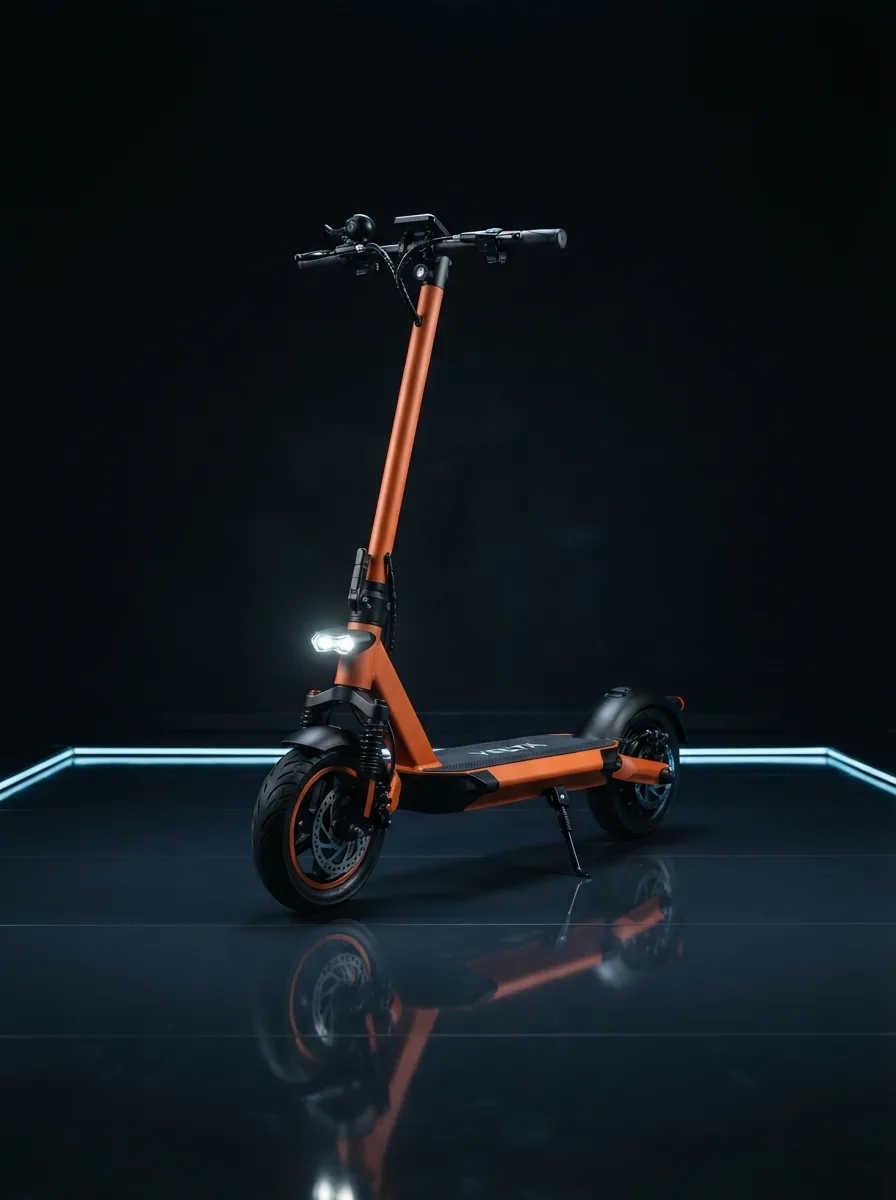
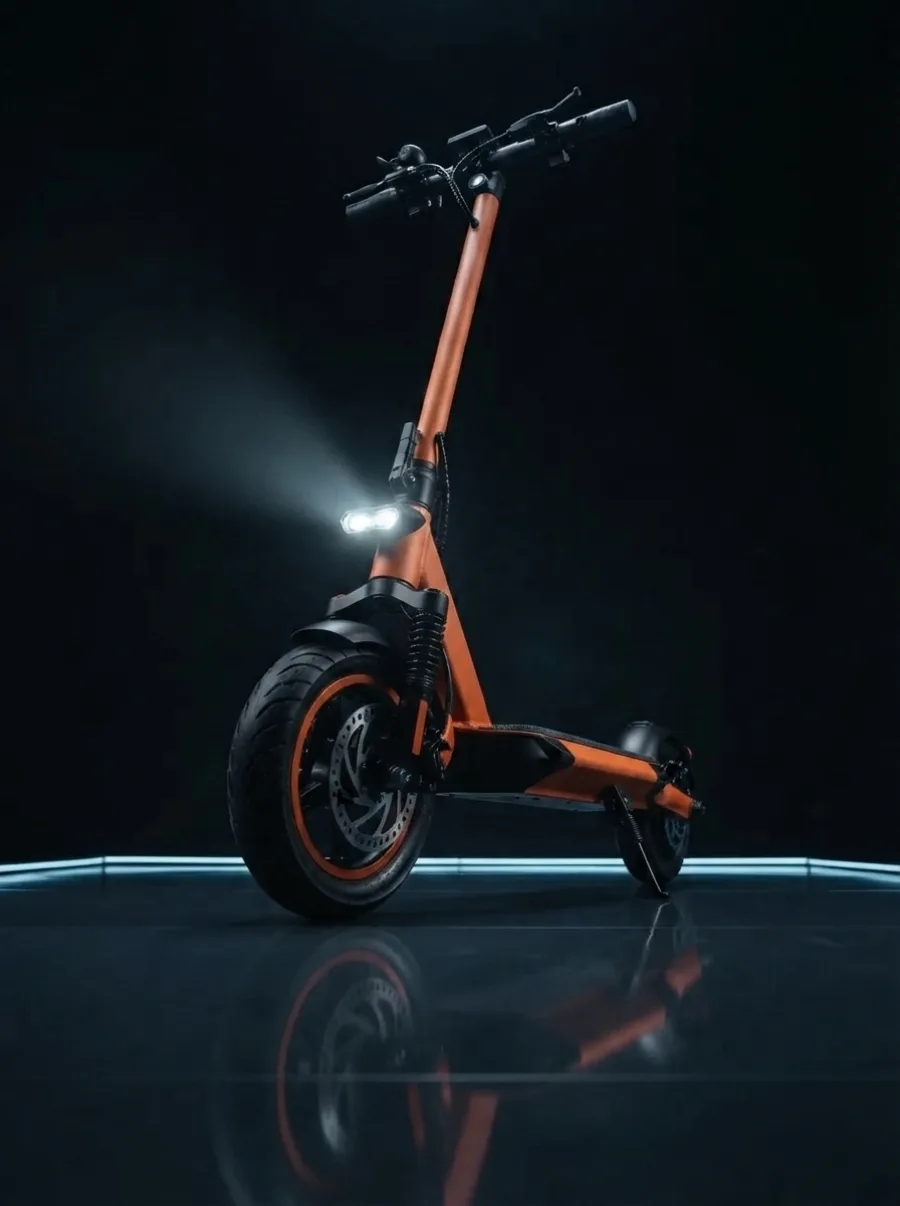
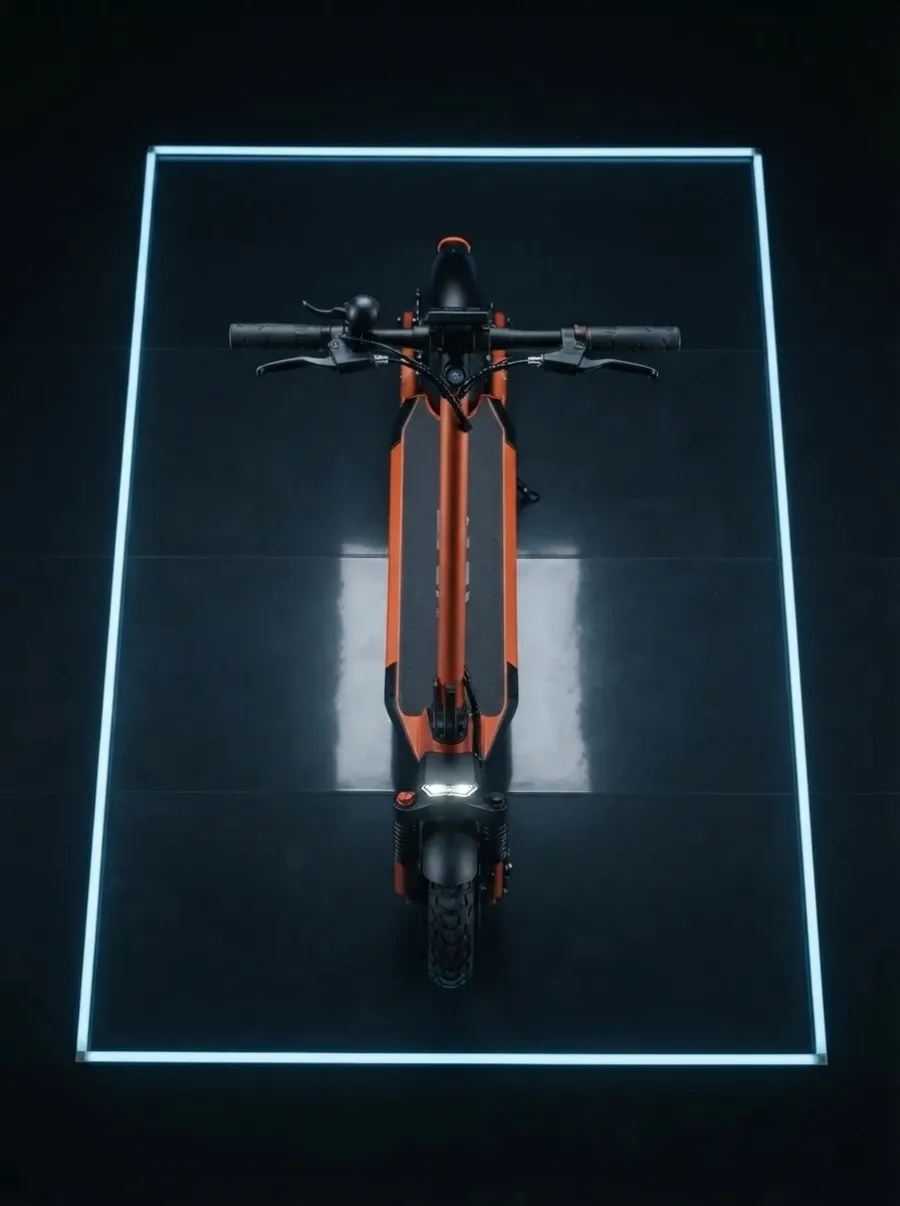
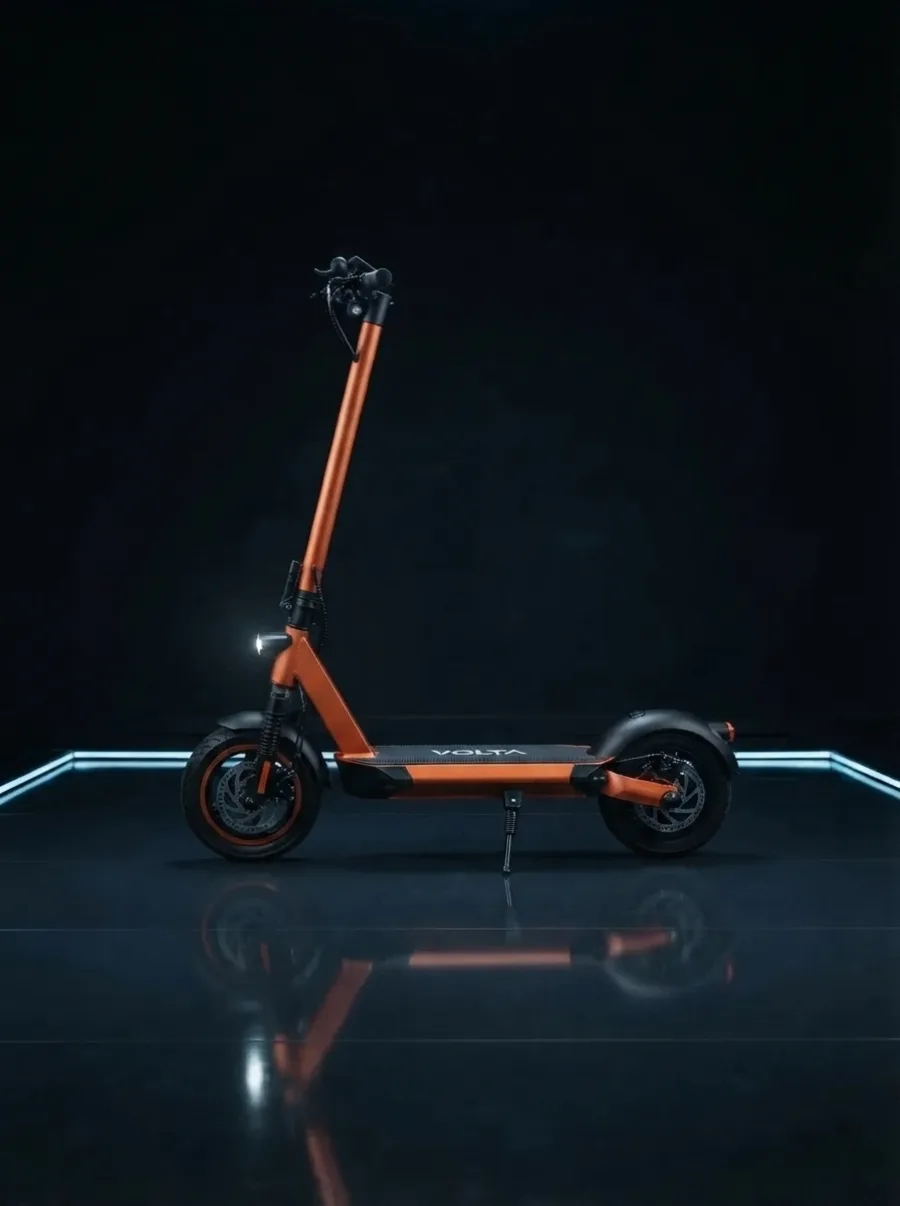
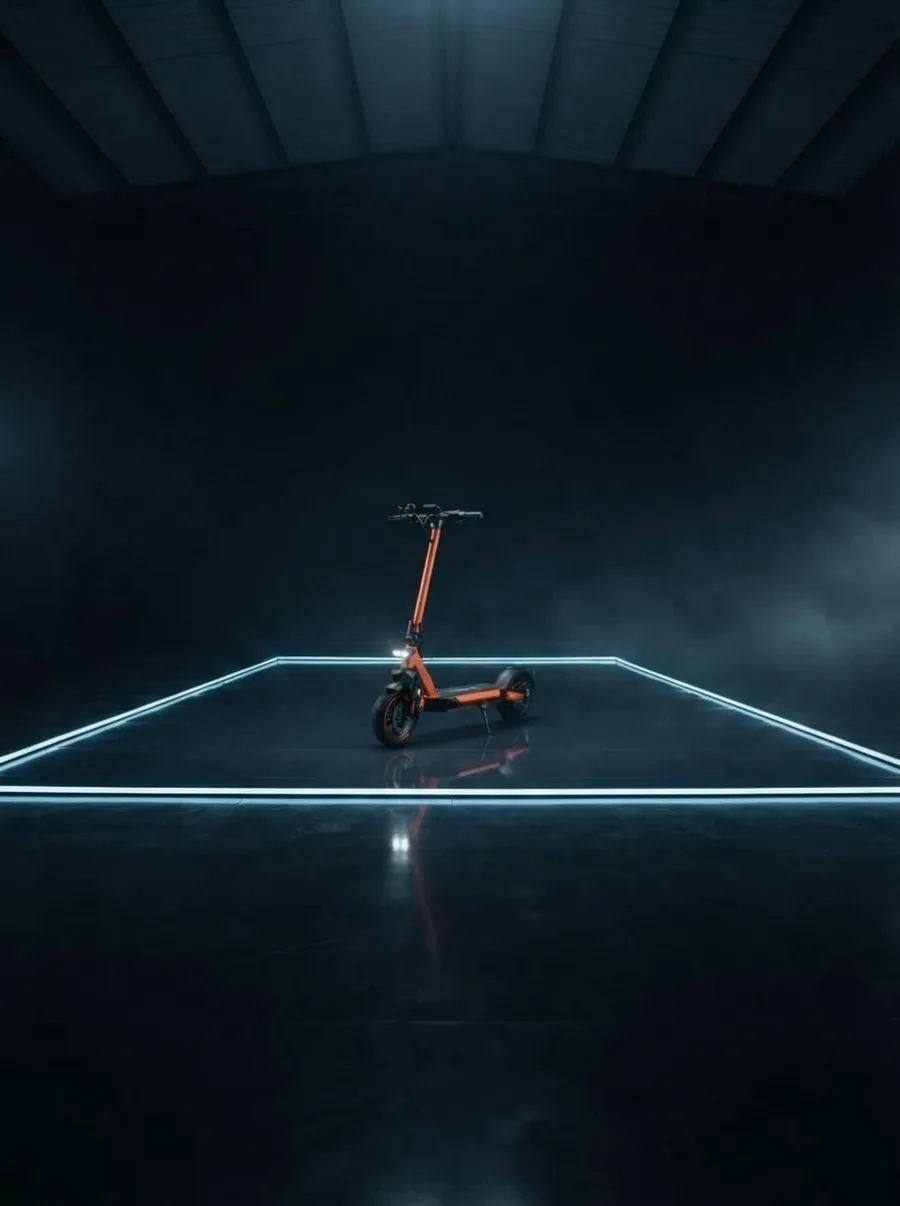
AI Camera Angle uses your reference photo to generate how the subject may appear from a new camera position. It does more than crop, stretch perspective, or rotate the canvas: it builds a new composition around the source image. Use it to compare an angle before a reshoot, create product-listing concepts, prepare ad variations, or give a clearer visual brief to a creative team.
Use a product, object, interior, or portrait image as the reference. The model uses its subject, styling, and scene cues to make the new view feel connected to the original.
A low angle can add presence; top down can clarify shape or layout; side views can reveal profile; and wide shots can give the subject breathing room in its environment.
Generate a variation for a listing mockup, campaign concept, storyboard, social post, or internal review. Select the strongest direction before spending time on a reshoot.
Upload one clear source image.
Choose the new camera view and add optional preservation notes.
Generate, compare the result, and download your preferred angle.
Start with what the viewer needs to understand, not only with the angle that looks dramatic. Each preset answers a different visual question: presence, layout, profile, or context.
Use an upward view when a product, vehicle, person, or building should feel taller, more present, or more cinematic. Keep the request focused when the source has a clear silhouette.
Use an overhead view to communicate surface details, a table layout, packaging, food, or the shape of an object. It is especially useful when the original side view hides the overall form.
Use a side or opposite-side view to explore profile, depth, and proportion. This gives creative teams a fast way to discuss which side should lead a product page or campaign frame.
Use a wider camera angle to give the subject more environmental context. It can help turn a tightly framed product image into an opening frame for a story, ad, or presentation.
Begin with the clearest available image. A well-lit subject with visible edges gives the model stronger evidence for its shape, material, and placement. Images with one main subject generally work better than crowded frames where several people or objects overlap.
Use the optional note for constraints that matter to the idea, such as “preserve the orange frame and studio lighting” or “keep the same outfit and background mood.” Treat the note as creative guidance, not a guarantee of exact reproduction.
Review every result at full size. A generated camera angle can be a strong concept asset, but it may infer details outside the original frame. For regulated listings, precise engineering details, or claims that must be literally true, confirm the final image with a real photograph.
Yes. AI Camera Angle uses one reference image to create a new interpretation of the same scene from a selected viewpoint. It is useful when you need to explore an angle before arranging a new shoot, but it is not a literal 3D scan or a replacement for product photography where every measurement must be exact.
Choose a low angle for an upward, more dramatic composition; top down for an overhead view; side view or other side for a three-quarter perspective; or wide shot for a pulled-back composition. Add a short instruction when a material, outfit, colour, or lighting detail is important.
It is designed to keep the main subject recognizable and retain the visual intent of the reference. Because the tool has to infer areas that were not visible in the original image, extreme perspective changes can introduce new details. Always review the generated image before publishing it.
Clearly lit products, objects, interiors, and portraits with visible edges usually produce the strongest results. Start with one subject, a readable silhouette, and as little motion blur as possible. Very dark images, busy crowds, transparent objects, or heavily cropped subjects leave the model with less reliable visual information.
Each generation costs 10 credits. Failed or canceled generations are refunded automatically.
Yes. Open the completed image and save it for a listing, mockup, ad, or creative review.
No. Cropping only removes part of an existing image. AI Camera Angle generates a new composition that can reveal an inferred overhead, side, low, or wide perspective while keeping the original image as its visual reference.
Use a real photoshoot when you need exact dimensions, safety-critical visual documentation, legally required product representation, or a view of a hidden feature that must be factually accurate. AI Camera Angle is best used to explore concepts, make marketing variations, and brief a later shoot.