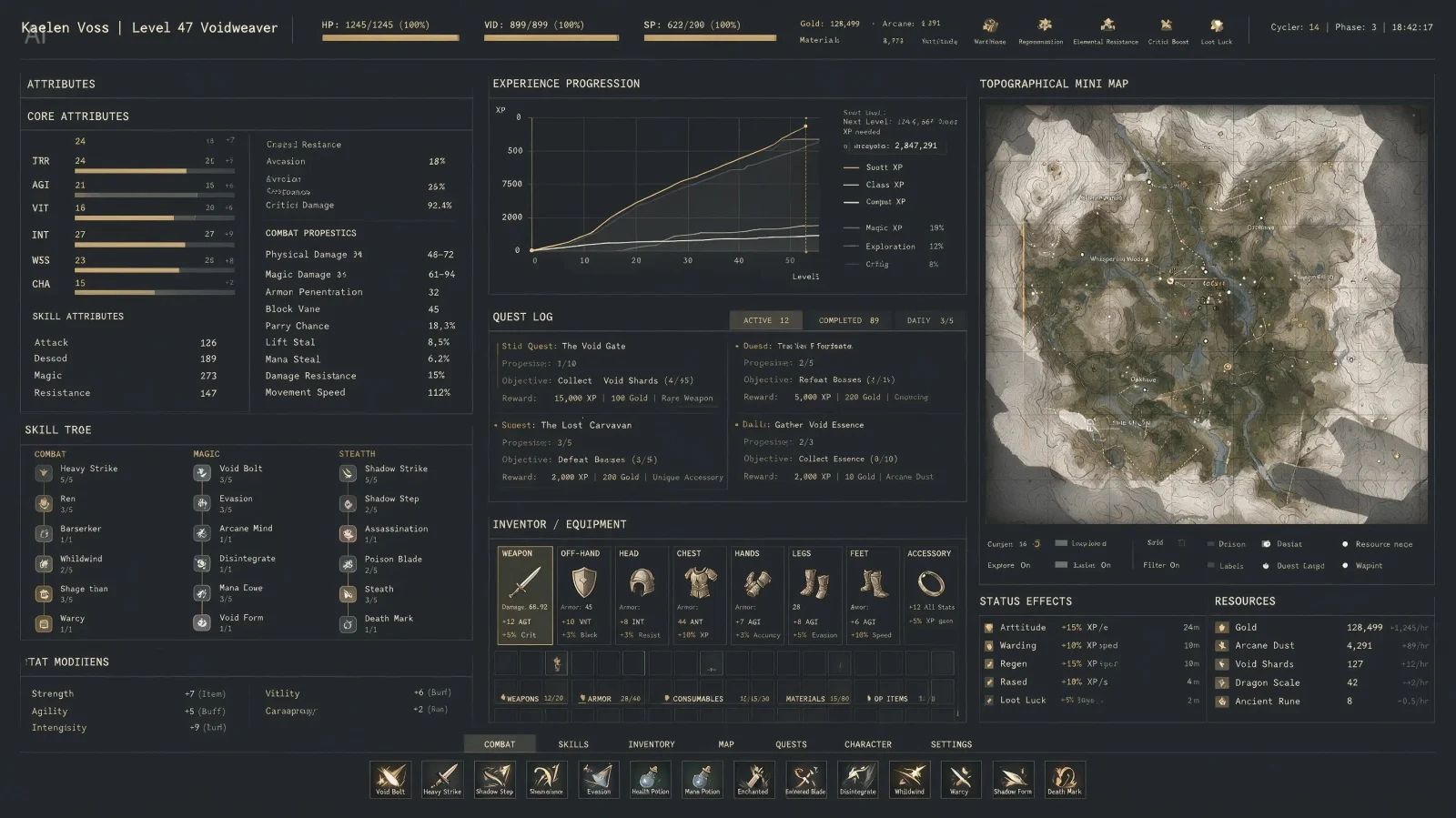


Organize dense visual information
Turn structured prompts into educational diagrams, professional infographics, UI concepts, and text-rich layouts with a clearer information hierarchy.
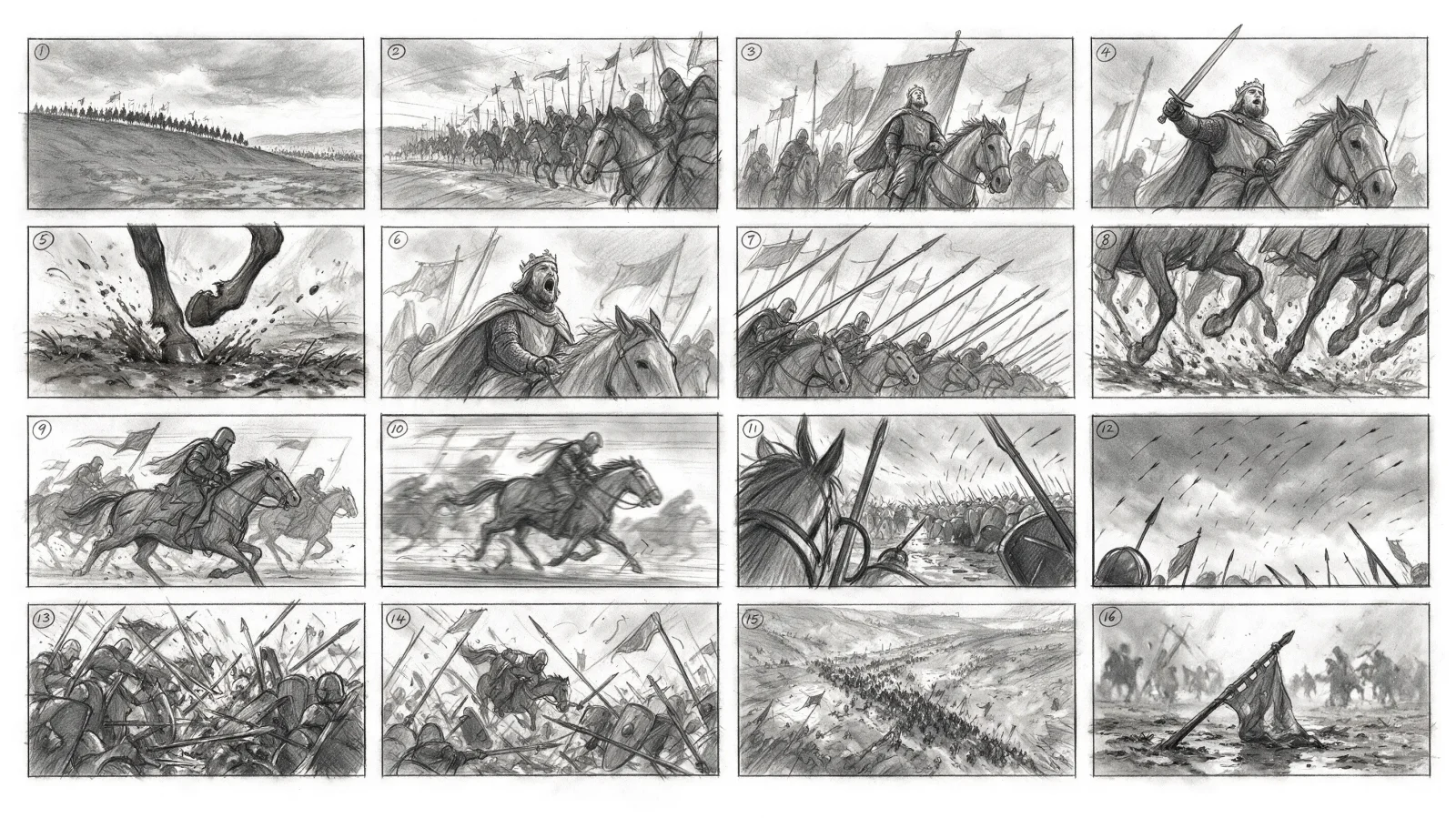
Generate and edit professional image concepts with text, up to 10 reference images, 1K or 2K output, and a direct download workflow.
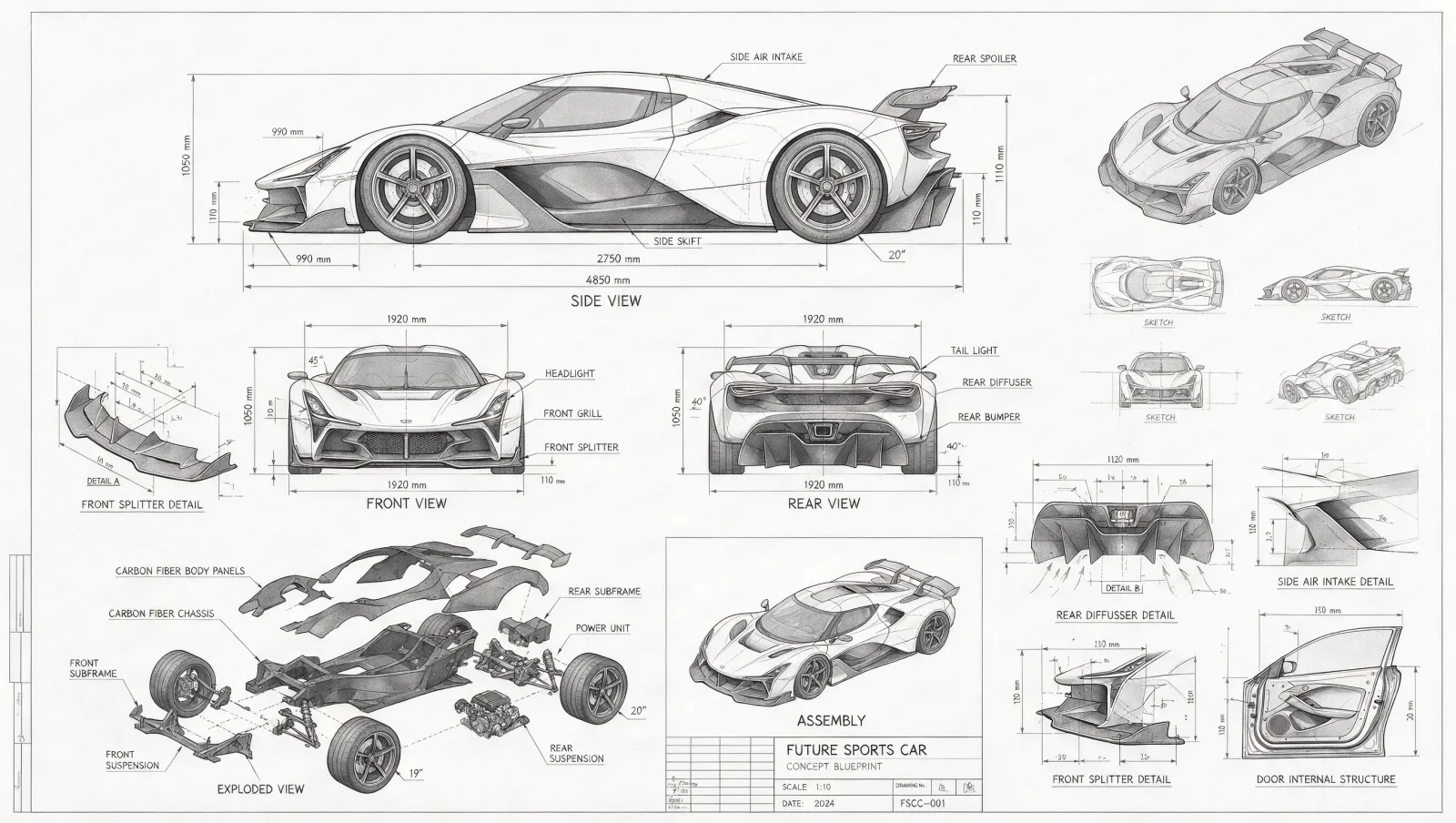
ByteDance describes four headline capabilities on the official Seedream 5.0 Pro page. The practical value is stronger control over information-heavy layouts, guided edits, realistic visual cues, and multilingual creative production.
Turn structured prompts into educational diagrams, professional infographics, UI concepts, and text-rich layouts with a clearer information hierarchy.
Upload up to 10 reference images, then describe the subjects, regions, styling, or composition you want to preserve or change.
Build prompts around real light direction, shadow behavior, skin texture, glass, metal, fabric, clay, and other material cues for more grounded image-making.
Use Seedream 5.0 Pro for international poster, signage, menu, packaging, and infographic concepts across widely used languages, then proofread final text before publishing.
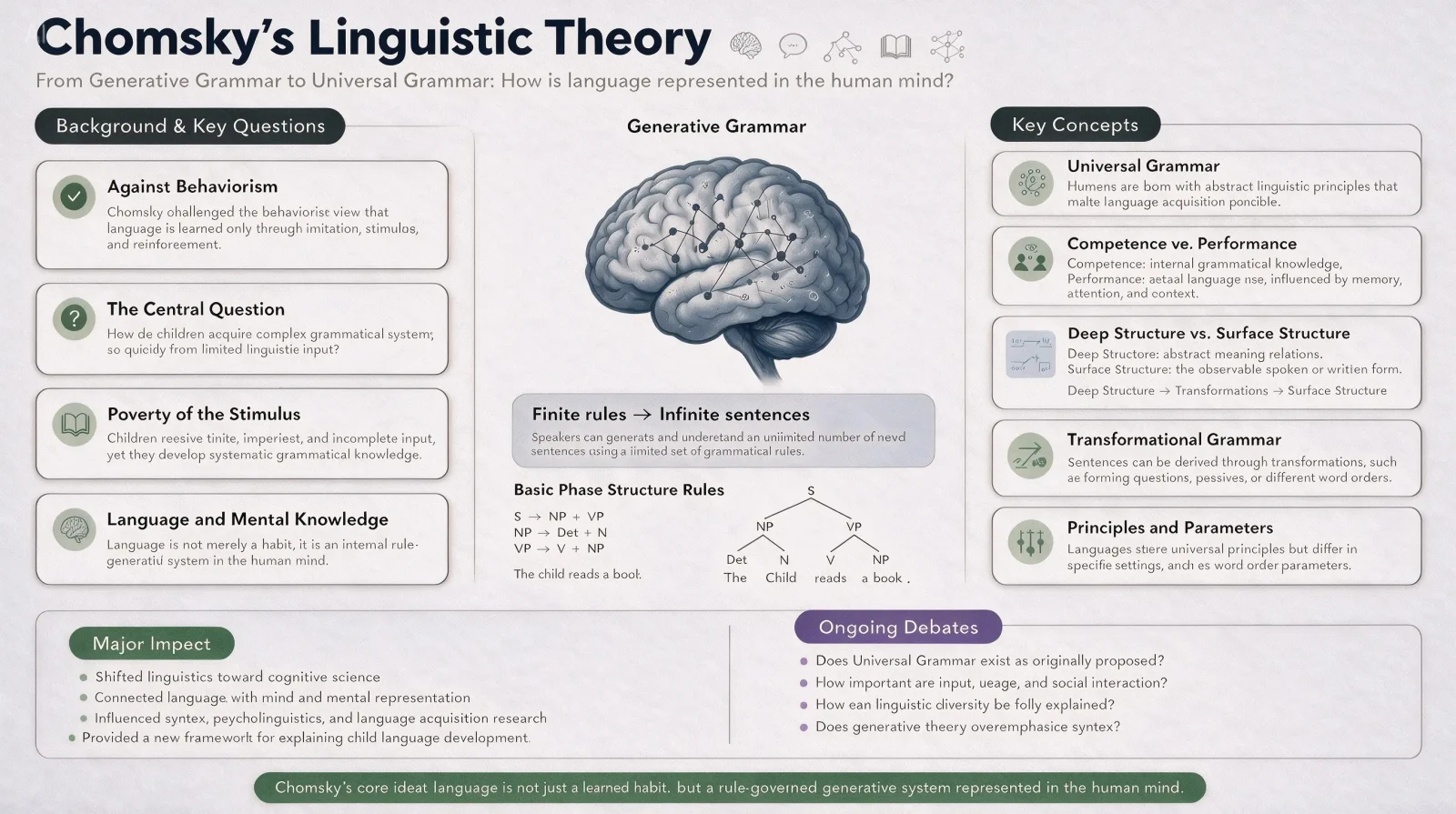
An official text-rich visual about Noam Chomsky’s linguistic theory, combining timelines, diagrams, portraits, and structured explanations.

The official edited result turns the annotated lizard reference into a winged dragon while preserving the original desert composition.

A warm official lifestyle image demonstrates natural daylight, skin tone, fabric detail, depth, and an everyday candid atmosphere.
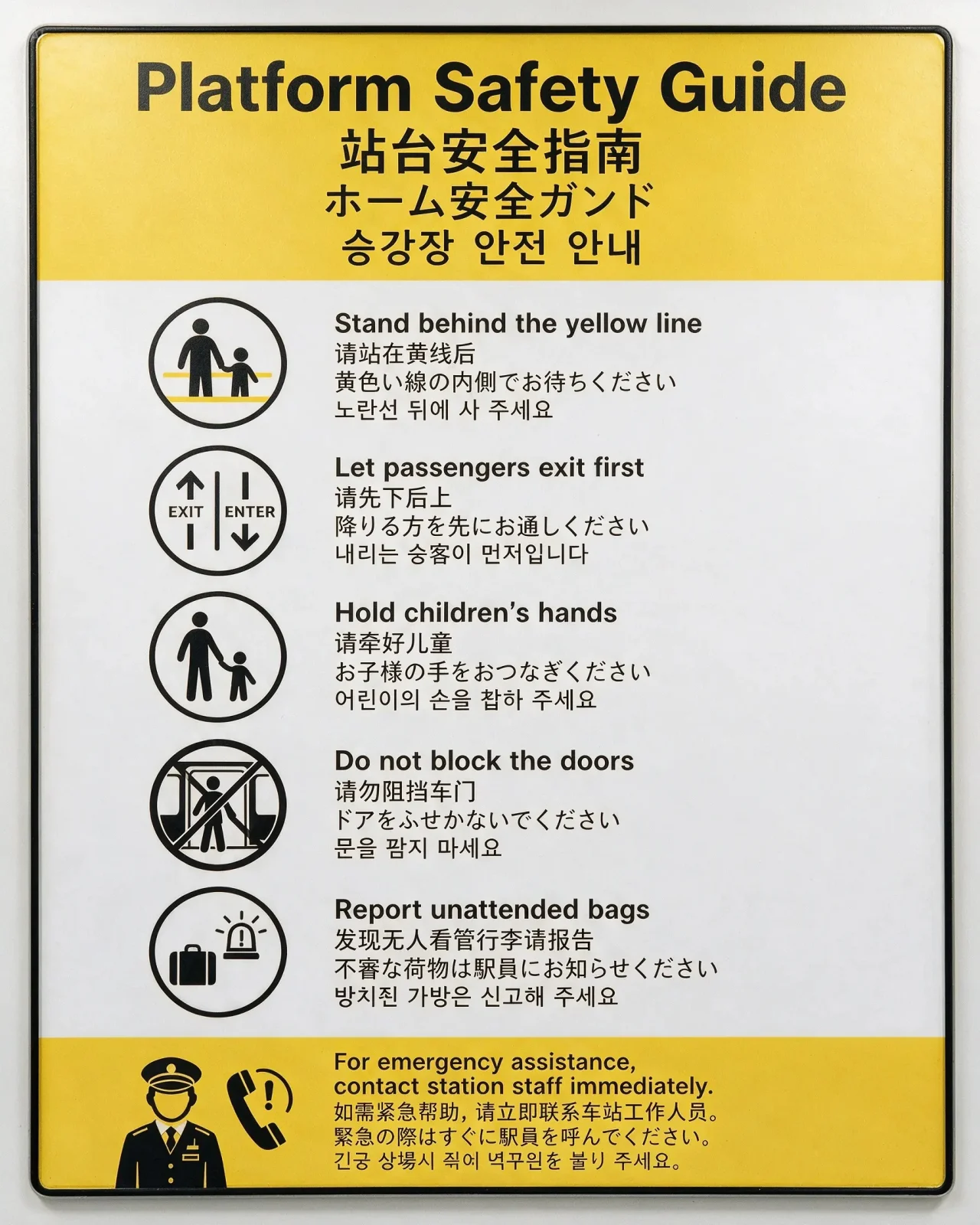
An official station safety guide renders the same instructions in English, Chinese, Japanese, and Korean within one coherent sign system.
Seedream 5.0 Pro is ByteDance’s multimodal image generation model for advanced reasoning, efficient creative work, and professional production. It combines text-to-image creation with reference-led image editing in one model family.
The official product showcase focuses on high-density infographics, spatial annotations, sketch guidance, layer separation, photographic realism, and native multilingual generation.
Start with a deliverable, not a style adjective. These workflows give the model a concrete visual problem and make the result easier to evaluate.
Specify the exact headline, label hierarchy, chart type, visual system, and audience. Keep requested copy concise, then review every rendered word.
Upload product, character, layout, or style references. State what must remain unchanged and list requested edits in spatial order.
Draft product photography, campaign key art, editorial scenes, e-commerce layouts, and social creative in aspect ratios matched to the final placement.
The complete production path stays on one page: configure the request, wait for the live model, inspect the output, and download the file.
Describe subject, composition, visual style, lighting, materials, exact text, and intended channel. Use one of the prompt starters if you need a structure.
Optionally upload up to 10 references, then choose 1K or 2K, a supported aspect ratio, and PNG or JPEG output.
Start a generation, wait for the result, inspect the preview, and download the final PNG or JPEG file.
“Pro” does not mean every setting is larger. Choose by workflow: Pro emphasizes professional control, while Lite can suit more references, 3K output, and sequential image generation.
| Compare | Seedream 5.0 Pro | Seedream 5.0 Lite |
|---|---|---|
| Positioning | ByteDance flagship model focused on advanced reasoning, efficient creation, and professional production. | Lighter Seedream 5.0 option for image generation, editing, and sequential image generation. |
| Available resolution | 1K or 2K output in this online generator. | 2K or 3K output, depending on the tool you use. |
| Reference inputs | Up to 10 images in this online generator. | Up to 14 images; input plus generated images cannot exceed 15. |
| Multi-image sequences | Designed around producing and downloading a completed image result. | Includes an auto sequential-image mode for related scenes or variations. |
| Choose it for | Dense layouts, annotation-led edits, multilingual visuals, and professional image concepts where control matters. | Higher-throughput exploration, 3K output, more references, or related image sequences. |
These answers combine ByteDance’s official model positioning with the options available in this online generator.
Seedream 5.0 Pro is ByteDance’s multimodal image generation model for advanced reasoning, efficient content creation, and professional production. ByteDance highlights high-density infographics, interactive editing, photographic visual quality, and native multilingual generation.
Yes. The form starts a real Seedream 5.0 Pro image generation task and displays the finished result when it succeeds.
Yes. Upload one to 10 reference images and explain what should remain consistent and what should change. Clear spatial instructions make guided edits easier to control.
This online Seedream 5.0 Pro generator supports 1K and 2K output, approximately two and four megapixels.
Choose 1:1, 4:3, 3:4, 16:9, 9:16, 3:2, 2:3, or 21:9. When references are present, you can also match the input image aspect ratio.
ByteDance says Seedream 5.0 Pro natively supports a dozen widely used languages for prompting and image generation. It is suitable for multilingual visual drafts, but names, dates, prices, legal copy, and small typography should always be proofread before publication.
They target different workflows. Pro is the stronger fit for control-heavy professional concepts and the capabilities ByteDance showcases around dense information and editing. Lite can be a better fit when you need 3K output, more reference inputs, or related image sequences. Compare them using the same prompt and your actual delivery requirements.
Yes. After generation finishes, use Download PNG or Download JPEG to save the completed image.
Review the current ByteDance and site terms that apply to your account and use case. You are responsible for prompts, source-image rights, trademarks, likeness permissions, and the final asset review.
Start with 1K for a lower-cost test, refine the prompt or references, then move the approved direction to 2K and download the result.